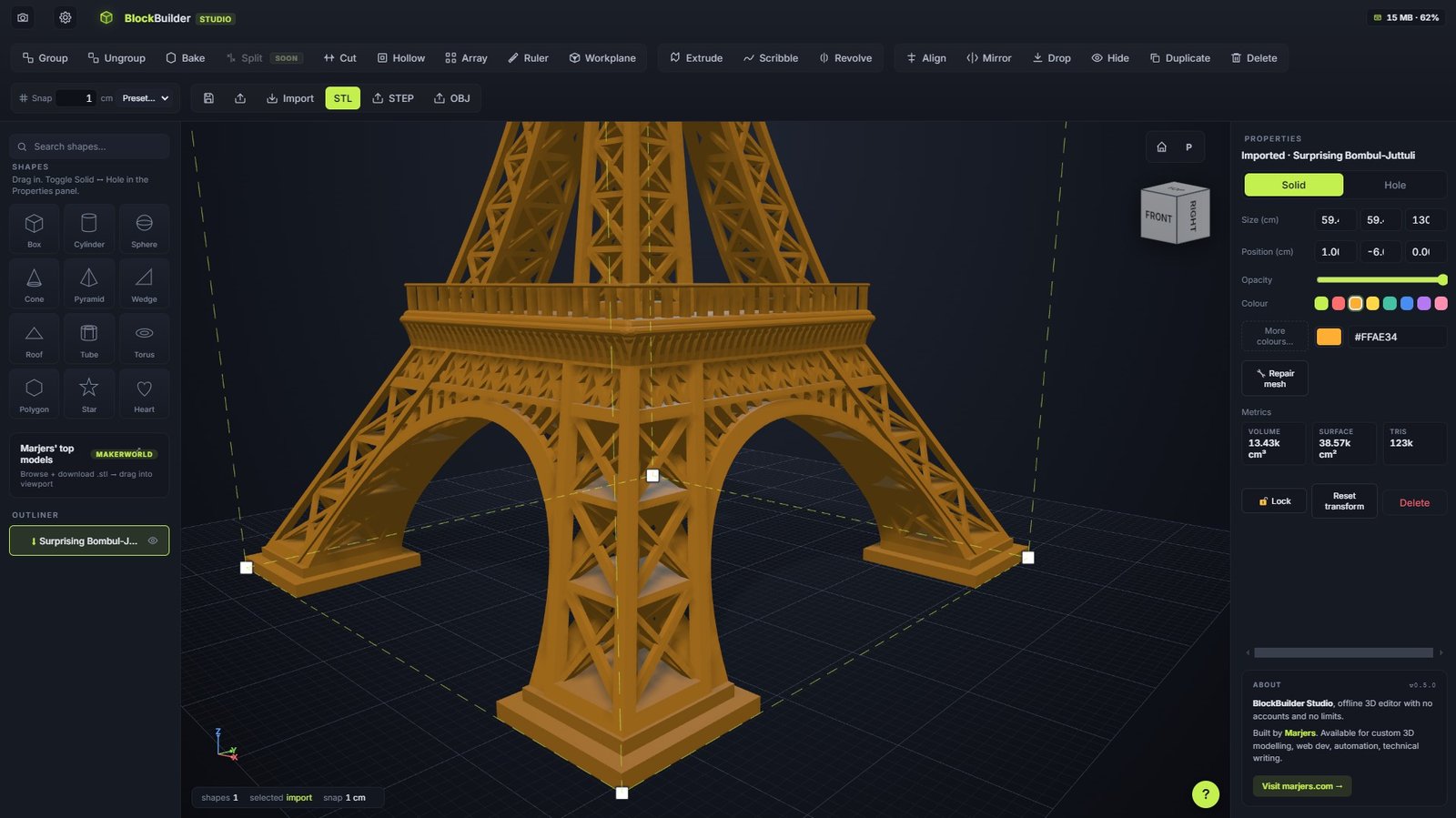
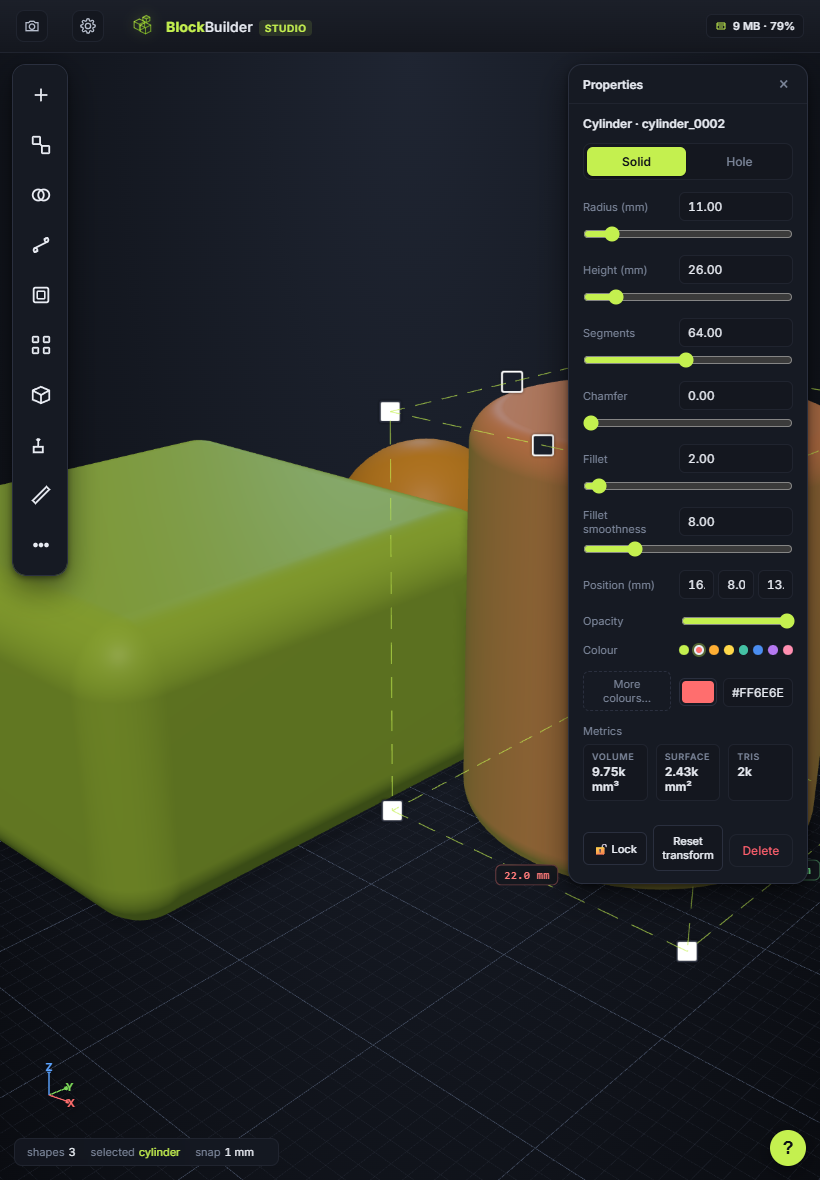
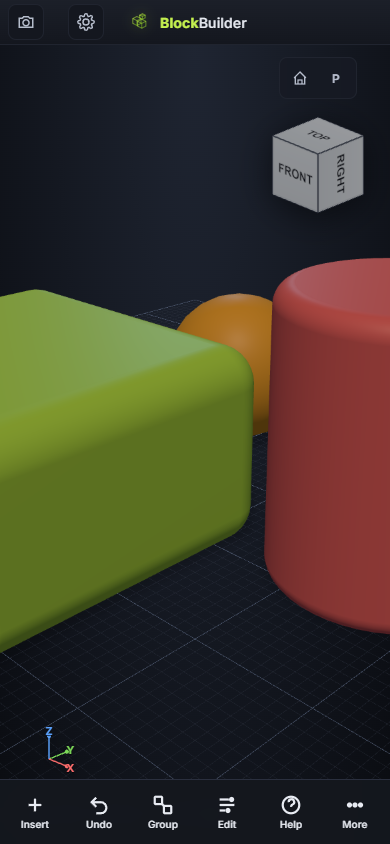
A drag-and-drop 3D editor that runs fully offline. Drop in shapes, combine with booleans, export STL, hit print. No account, no cloud waiting, no upload caps. Just you and your printer.
13 primitive shapes, full CSG (union + subtraction), STL/OBJ/STEP import-export, sketches, slicing, hollowing, arrays, ruler — all running locally on your machine.
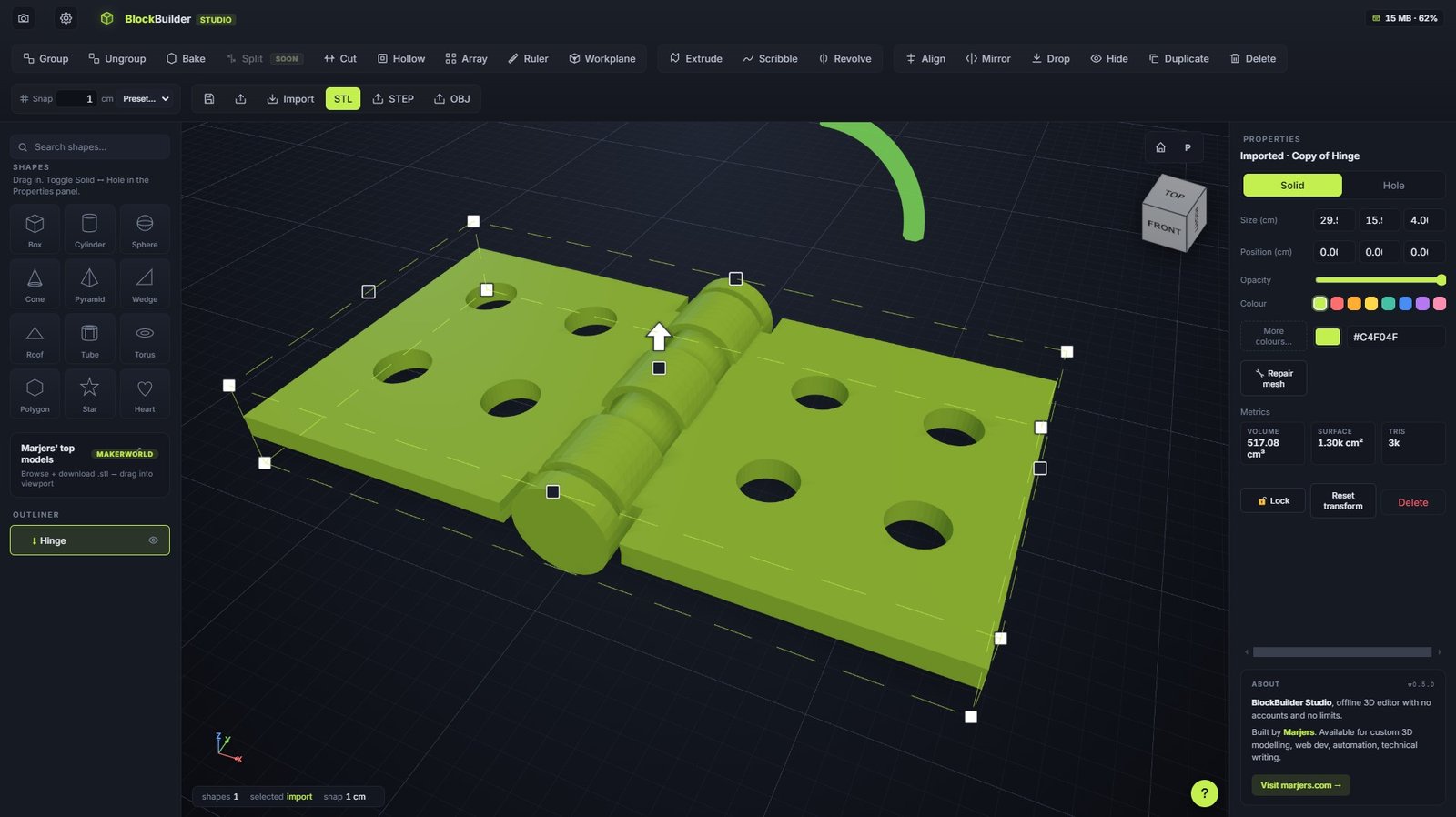
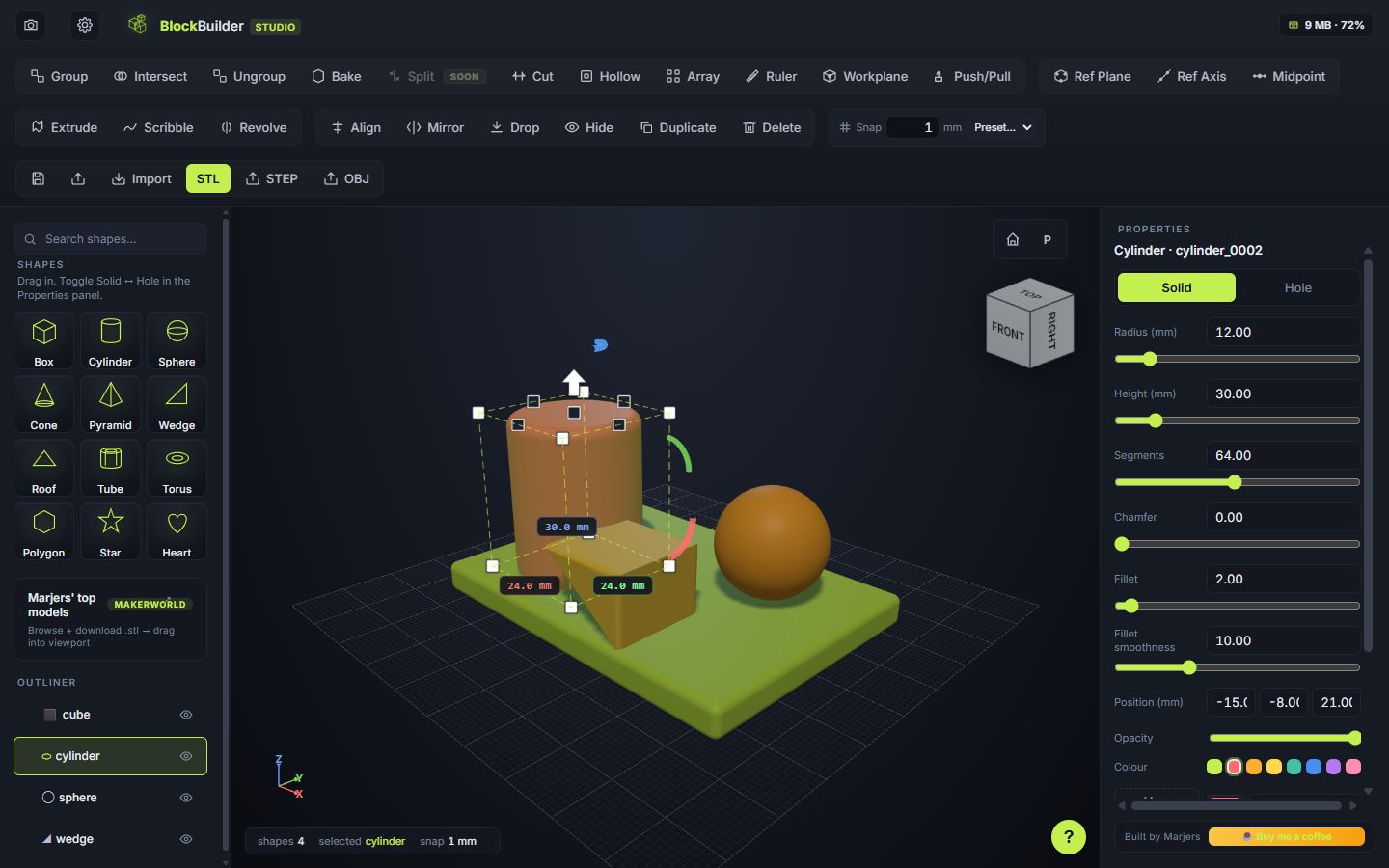
Toggle a shape to hole and it carves into anything it overlaps with after Group. Solids merge, holes subtract. Fully reversible until you bake. Powered by three-bvh-csg.
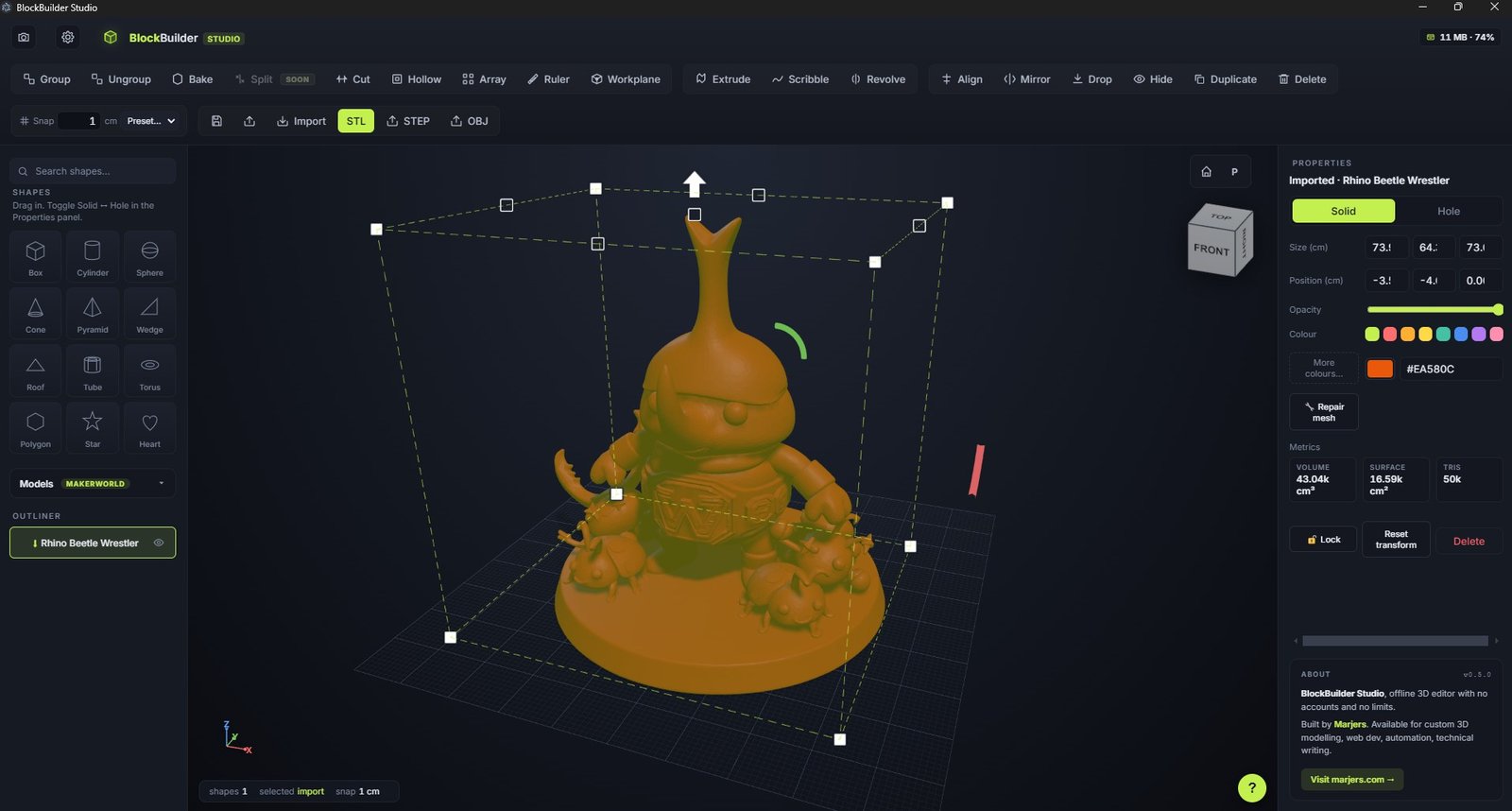
Printer-ready binary STL, Wavefront OBJ, or AP203 faceted-brep STEP for CAD/CAM pipelines. Bring in any mesh as an editable shape — your imports become primitives.
Extrude polygons, scribble free-hand outlines, revolve profiles into lathe-style solids.
Bambu-style. Slice along X, Y, or Z into two halves with a live plane preview.
Carve the inside of any shape at a chosen wall thickness. Print-ready shells in two clicks.
Click two points. Distance + per-axis deltas. Locks to vertices so measurements are exact.
N copies along a line with spacing, or around an axis with a chosen total angle.
Drop the active workplane on any face. New shapes spawn aligned to that face's normal.
Estimate filament cost without leaving the app.
No mockups, no hand-drawn figures. The real app, real geometry, real exported STLs.
Five minutes from first launch to a printed bracket. No tutorial required.
Drag any of the 13 primitives from the left panel. Tweak size + segments in Properties.
Mark a shape as Hole and it carves into overlapping solids on Group.
Select shapes, hit Ctrl+G. Live CSG. Reversible until you Bake.
Click STL. Open in Bambu Studio / Cura / PrusaSlicer. Done.
Same commitments for the free version and the licensed one. Same software, same code, same respect.
The app never makes a network request once installed. Plane, air-gapped workstation, café Wi-Fi outage — same behaviour.
No sign-up. No email confirmation. No "verify your identity". Install and use. Commercial licences are verified offline against the local file.
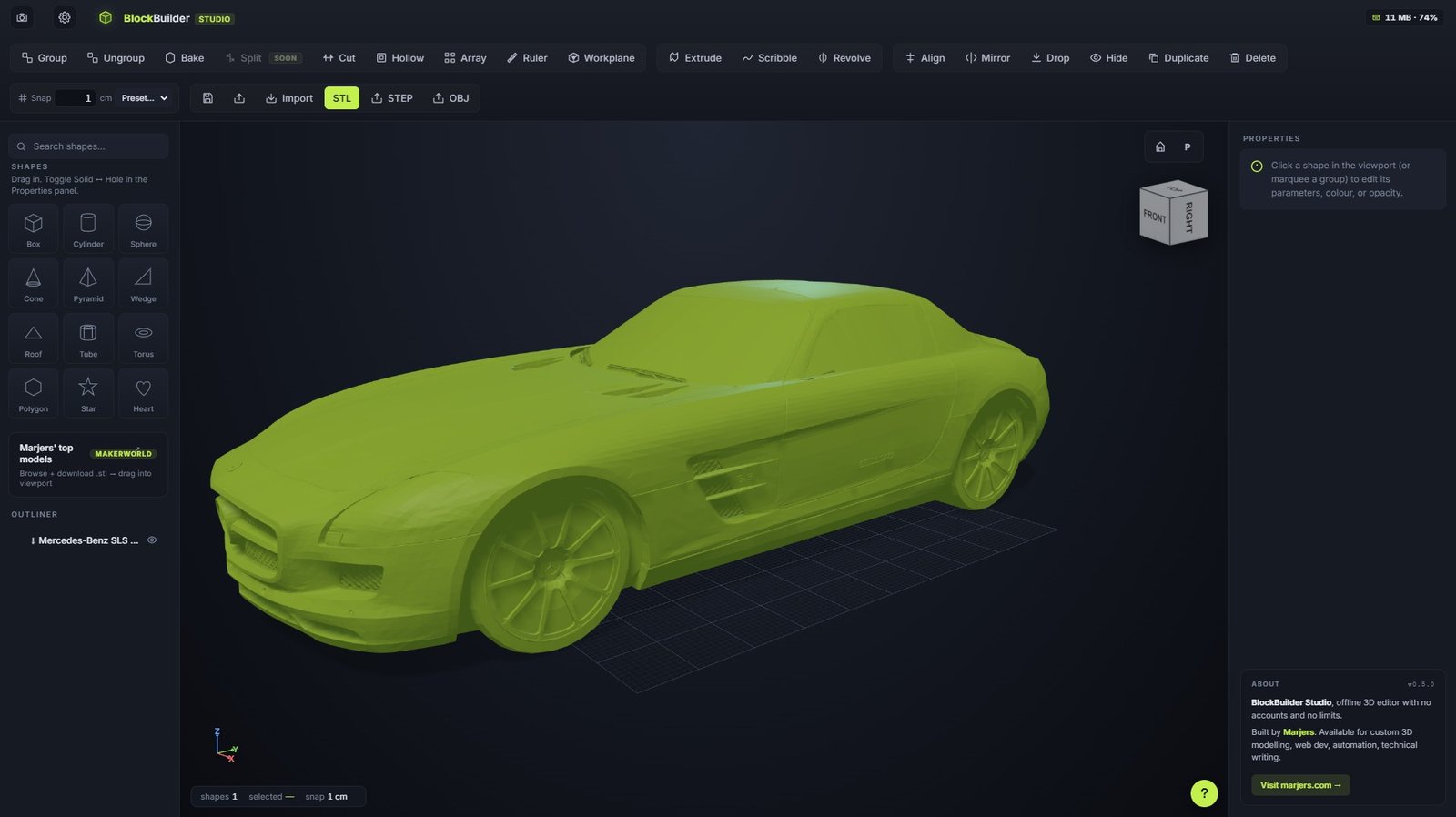
Imports happen locally. Bring in a 500 MB STL with 5M triangles — your RAM is the only limit. BVH-accelerated picking handles it.
Saves are plain JSON on your disk. STL exports land in Downloads/. Nothing leaves your machine unless you share it.
Zero telemetry. Zero analytics. Zero cookies. The app doesn't know you exist after install. This website doesn't either.
Personal use is free forever. Commercial licence is €12 once, lifetime — every future update included until v1.0+.
What people actually make with BlockBuilder.
Bracket broke? Cabinet handle missing? Measure with a calliper, model in 5 minutes, print in 30.
Faster than Fusion for blocky designs. Move to parametric CAD once the proportions feel right.
No student accounts to set up, no schoolwide trust forms. Each PC runs its own instance.
Custom boxes, tool holders, drawer dividers, GoPro mounts. The boring practical stuff 3D printing is best at.
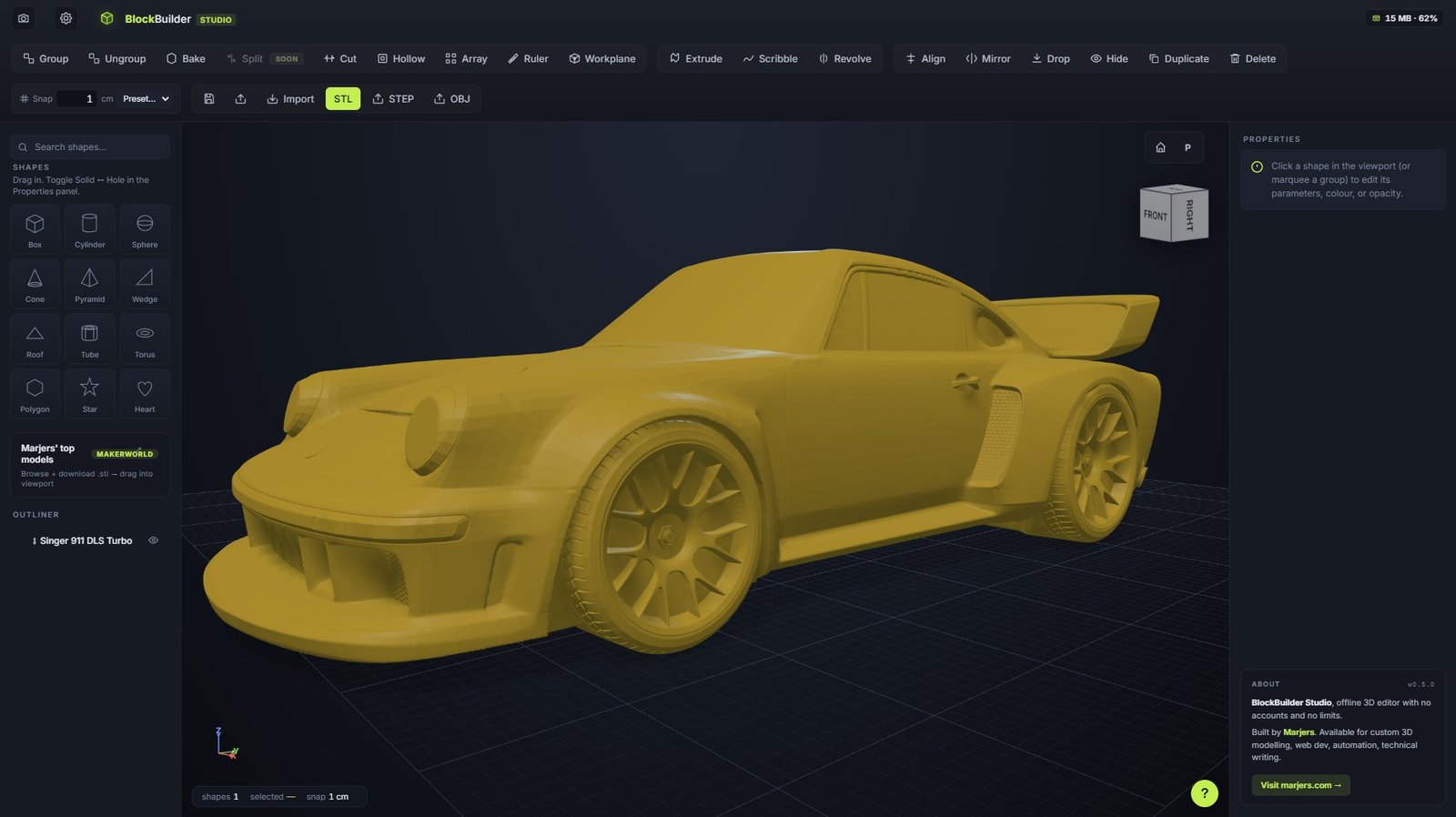
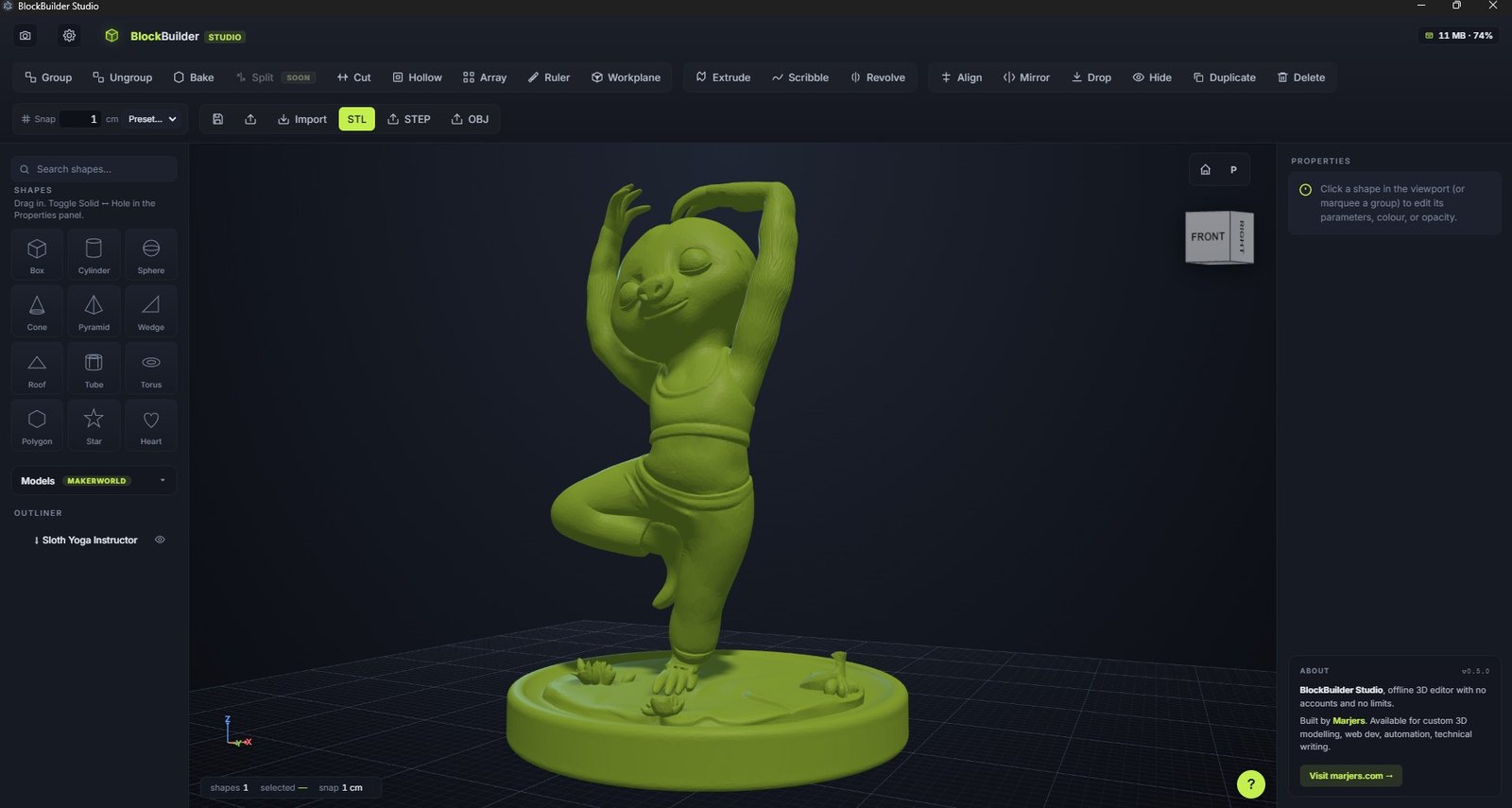
Pull a model off Printables, scale it, slice a section, drill a hole, re-export. No 25 MB upload cap.
Hex bases, ruined walls, simple miniatures. Star + polygon + extrude get you 80% of the way.
Free for personal projects. €12 once for commercial use — covers the next ten years of updates.
No account, no email, no time limit. The full app.
For selling prints, freelance, classroom, agency work.
No email, no signup, no waitlist. The download starts immediately.
v0.5.0 · Released May 2026 · Signed for Windows · Notarised for macOS · See changelog →
If something here is unclear, email geral@marjers.com — replies usually within 48 hours.
Yes. Free for personal use, no time limit, no feature lockout, no nag screens you can't dismiss. The €12 commercial licence is for people who use exports in for-profit work (selling prints, freelance, classroom) and silences the occasional reminder dialog. Everyone else can use it forever for €0.
Neither. Once installed, the app never makes a network request. Your work stays on your machine. No telemetry, no analytics, no auto-uploads.
Two places. Autosave: localStorage in the app's profile folder, restored on next launch. Project files: standard .json on disk that you save explicitly. STL/OBJ exports go wherever your downloads land (usually Downloads/).
Because the binary is new and SmartScreen hasn't built reputation for it yet. Click "More info" → "Run anyway" and it goes away forever for that install. Once enough people install BlockBuilder, the warning disappears for everyone. Builds are code-signed; the binary is genuinely from Marjers and contains no malware. You can verify the signature in the .exe properties.
Yes, with a one-time €12 commercial licence at marjers.com/blockbuilder. Covers selling prints, freelance work, paid classroom use, agency work — anything for-profit. Personal/hobby use stays free.
Not in the engineering sense. BlockBuilder is a direct modelling tool: drag primitives, scale them, combine with booleans. No parametric history, no constraints, no assemblies, no engineering drawings. It's optimised for the 80% of 3D-printing work that doesn't need those features — brackets, organisers, replacement parts, props, jigs. For mechanical engineering with version-controlled geometry, use a parametric CAD package.
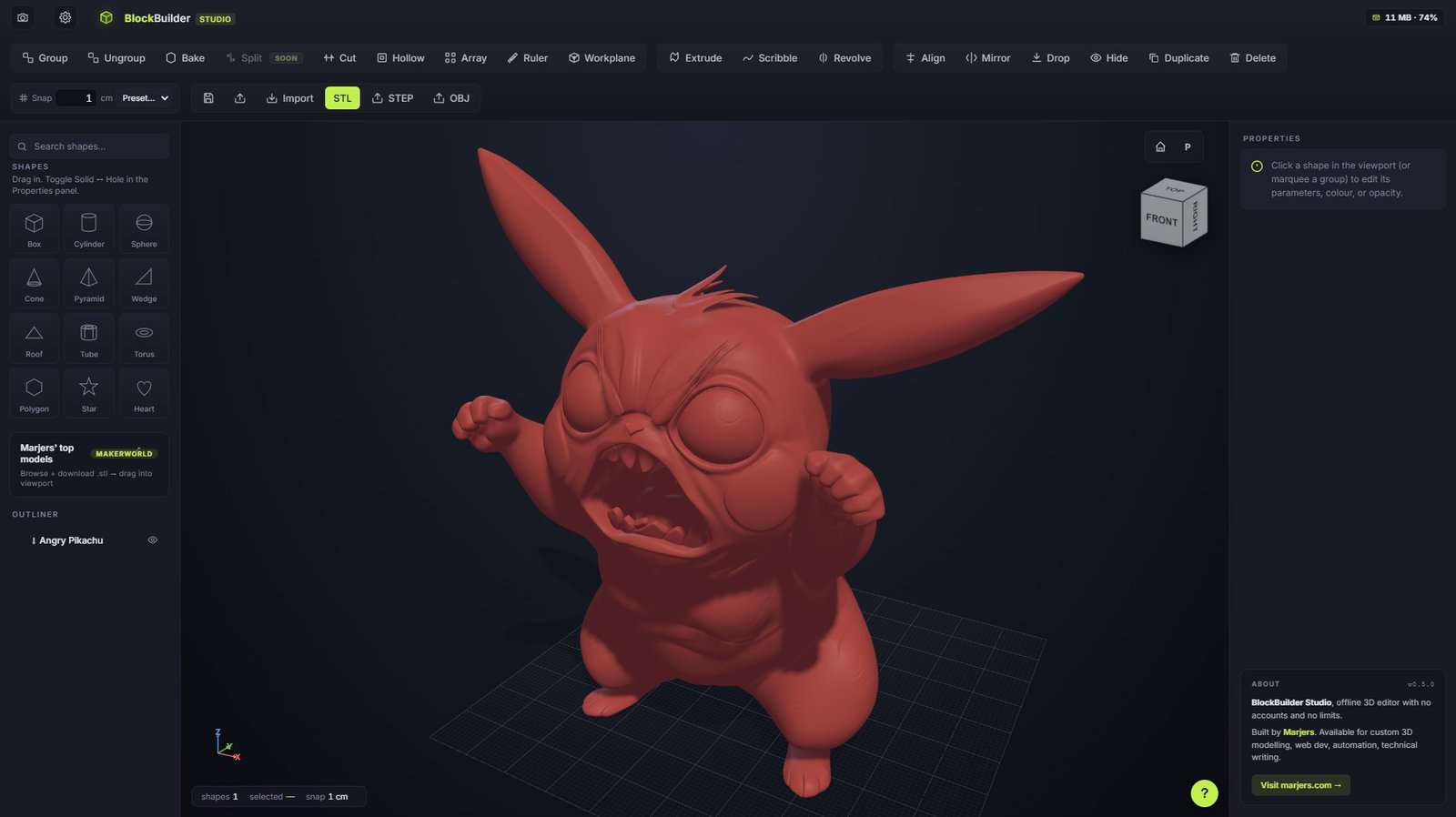
Yes. Drag any .stl or .obj into the viewport (or use the Import button). Imported meshes behave like primitives: move, scale, rotate, colour, mark as Hole, group with others, run CSG against them. Big meshes (100k+ triangles) get an automatic BVH for fast picking.
Yes, with a caveat. BlockBuilder works internally with triangle meshes, not parametric CAD surfaces. The STEP export wraps the mesh in an AP203 faceted B-Rep file that Fusion 360, SolidWorks, FreeCAD, Onshape and most CAD/CAM tools will open as a mesh body. You won't get editable parametric features. For passing geometry to a CNC shop that requires STEP, this is a working option.
Imported meshes need to be watertight (manifold) for CSG. Use the Repair button in the Properties panel: it welds duplicate vertices, drops zero-area triangles, and rebuilds normals. Resolves most failures.
Not yet. Open-sourcing is on the roadmap once the code is more polished. The Electron + Three.js stack is well-known with no proprietary dependencies, so the timeline is mostly about cleaning up.
Email geral@marjers.com with a description and, if possible, the saved .json that triggers the bug. Replies usually within 48 hours.
Not supported. BlockBuilder is desktop-only (mouse + keyboard). The 3D viewport relies on right-click orbit, scroll-zoom, and precise pointer hits that don't translate to touch. A web version may come later.
BlockBuilder Studio is built and maintained by Marjers — a small studio making honest desktop tools for makers. No VC, no growth team, no dark patterns. Software that does what it says, costs what it costs, and gets out of your way.
One short email when there's a new version, with what changed. No marketing, no second email. Unsubscribe with one click.
Free forever for personal use. No signup, no email, no credit card. Drop in shapes, hit print.
Or donate if it saved you time. Free forever, powered by your support.